PINOUT & PLATE may earn a commission from merchant links on this page at zero additional cost to you. How PINOUT & PLATE is funded
A keyboard barebones kit bridges the gap between mass-produced peripheral clatter and full-blown custom soldering. You receive an integrated mechanical chassis—case, hot-swap printed circuit board (PCB), mounting plate, stabilizers, and dampening layers—leaving only switch selection and keycap styling up to you. However, sorting through marketplace listings means parsing vendor buzzwords like "gasket flex," "creamy sound profiles," and ambiguous wireless specs.
When evaluated on the workbench, a chassis reveals the physical trade-offs manufacturers make. Structural mass, switch socket tolerances, stabilizer mounting styles, and firmware architecture dictate whether a board becomes a resilient typing instrument or an acoustic hollow box. Below, we dissect five barebone kits spanning budget plastic shells to heavyweight CNC aluminum enclosures.
Layout Footprint & Workflow Demands
Your layout determines wrist ergonomics, desk real estate, and your reliance on key combinations. Barebones kits generally fall into four primary layout categories:
| Layout Form Factor | Typical Key Count | Primary Compromise | Ideal Use Case |
|---|---|---|---|
| 65% (Compact) | 67–68 Keys | No dedicated function (F) row; requires Fn layers | Minimalist desk footprints and maximum mouse sweep |
| 75% (Compacted TKL) | 80–84 Keys | Compressed navigation column, custom right Shift sizes | All-rounder for coding, productivity, and gaming |
| 80% / TKL (Tenkeyless) | 87 Keys | No numpad; occupies 14–15 inches of horizontal space | Traditional office muscle memory without the right-hand slab |
| 98% / 1800-Compact | 98–100 Keys | Cramped arrow cluster and condensed 1u zero key on numpad | Accounting, financial modeling, and continuous data entry |
Sub-$100 Plastic Chassis: Budget Modder Entry Points
Budget kits rely primarily on injection-molded ABS or blended plastic shells. They eliminate significant manufacturing overhead, making them approachable testbenches for trying new linear, tactile, or silent switches. However, thin plastics easily echo high-frequency bottom-out clack unless packed with PORON or IXPE dampening foam.
Mathew HW98: The Budget Number Cruncher
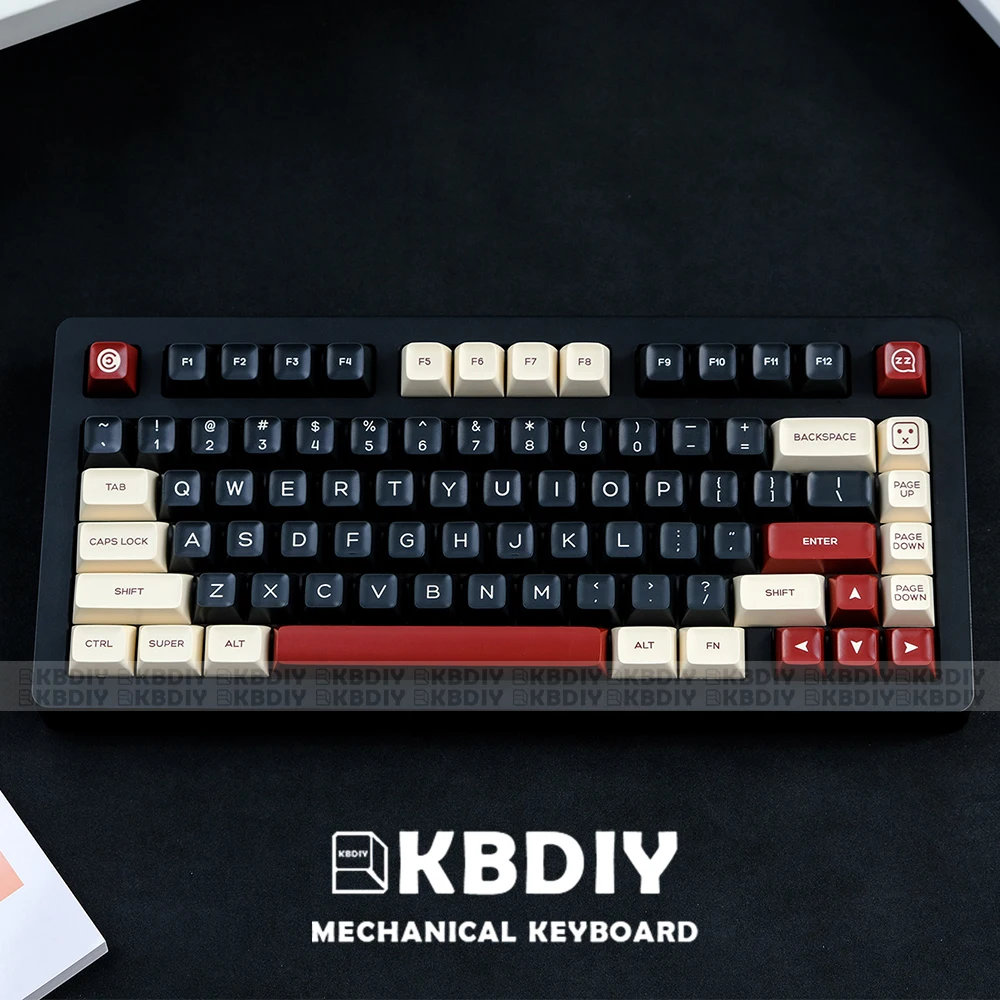
If daily workflows mandate a numeric keypad, a 98% footprint like the Mathew HW98 packs the full cluster into a shell only slightly wider than a standard TKL. Hot-swap sockets support standard 3-pin and 5-pin MX-style switches. At an entry price around $38, expect basic plate-mounted stabilizers and lightweight casing that benefits considerably from aftermarket tape mods or extra silicone base weighting.

GMK67: The Prototypical Budget Gasket
The GMK67 has earned benchmark status in mechanical keyboard communities for good reason. It pairs a polycarbonate plate with silicone gasket strips inside an ABS housing, yielding an unexpectedly flexible, low-pitch typing feel straight out of the box. Tri-mode wireless (Type-C, Bluetooth 5.0, 2.4 GHz) and an integrated aluminum media knob round out the hardware. Caveat emptor: the included configuration utility is a proprietary Windows executable rather than open-source firmware.

ZUOYA GMK87: Tenkeyless With Auxiliary Telemetry
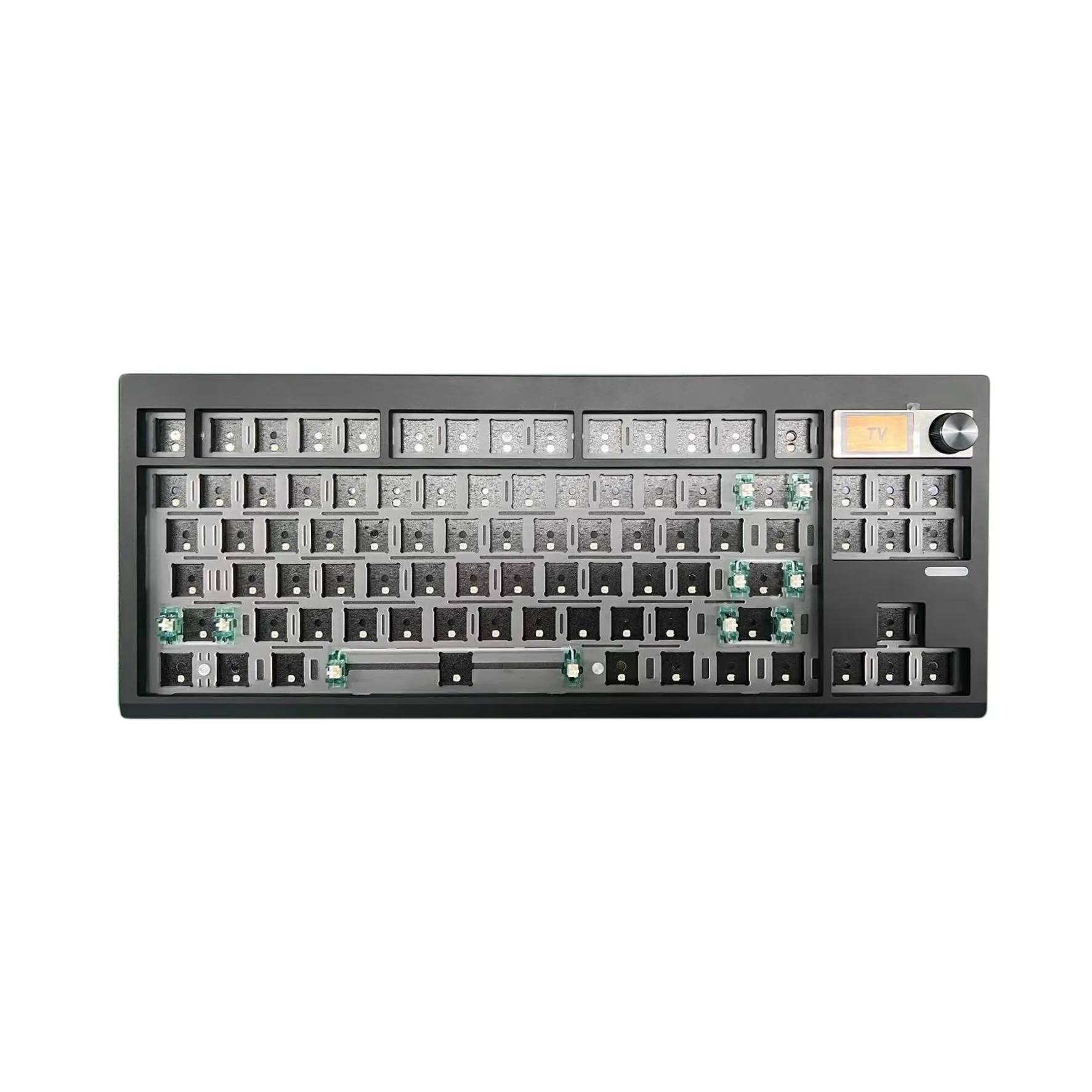
Stepping up to the GMK87 yields a standard tenkeyless footprint combined with gasket mounting, a rotary encoder, and an integrated color TFT LCD screen. The screen can report battery status, connection mode, or custom animated GIFs. Keep in mind that LCD driver software on budget import boards can be finicky to update and configure across macOS or Linux workstations.
CNC Aluminum Enthusiast Kits: Rigidity, Weight, and Advanced Mounting
When you transition from $50 plastic to machined aluminum, the typing experience alters dramatically. Aluminum cases add 3 to 4 pounds (1.5–2.0 kg) of mass to your workbench, stopping the board from shifting during vigorous typing sessions and naturally muting ping.
Chilkey ND75: Modular Acoustic Tuning
Engineered under Wuque Studio’s ecosystem, the Chilkey ND75 challenges luxury custom boards. As detailed on MaxGaming's hardware specifications for the ND75, it features a 1.68 kg CNC aluminum enclosure, a 6.5° typing incline, and a toolless ball-catch quick-disassembly system. Instead of removing twelve screws to experiment with interior foams or plate materials, you pop the top housing free in seconds.
The ND75 stands out mechanically by supporting three distinct mounting styles: split O-ring, silica gel gasket strips, and top-mount tabs. If you want a soft, bouncy actuation, use the gasket tabs; if you prefer crisp bottom-out feedback for precision gaming, screw the plate into the top housing.

Akko Mineral 01: Open Firmware and Substantial Reserve Power
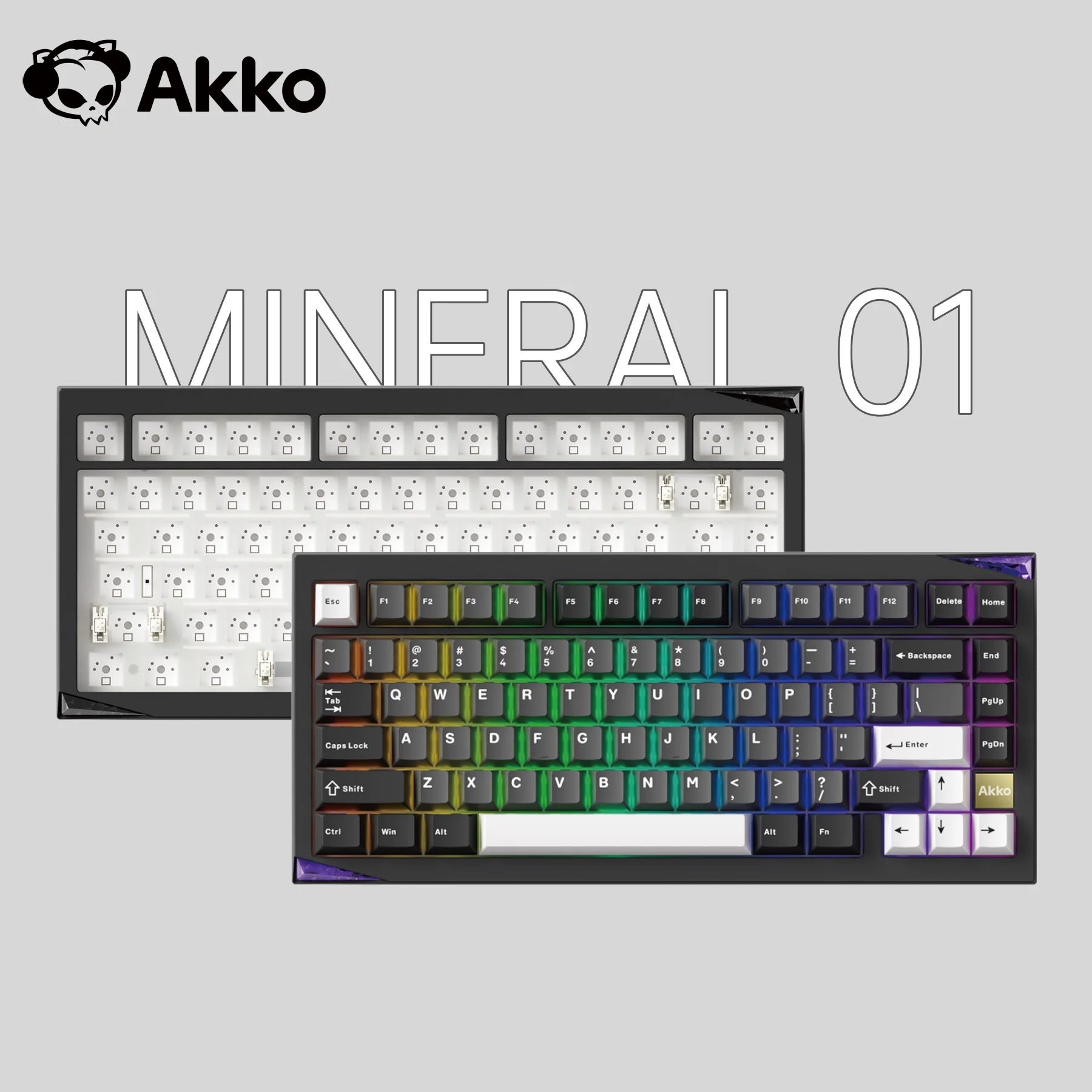
Akko’s Mineral 01 sets its sights on enthusiast tinkerers who refuse to compromise on key remapping firmware. According to Akko's official Mineral 01 specifications, the board delivers broad QMK and VIA browser-based configurability, meaning macros and layer remappings are stored directly to onboard EEPROM without third-party background spyware.
Mechanically, it integrates ball-catch latching for screwless shell separation and ships with screw-in PCB stabilizers rather than clip-on plate variants. For wireless deployments, it packs a massive 8,000 mAh battery capacity, effectively counteracting the heavy power drain of per-key RGB backlighting.
Workbench Technical Checklist: Before You Buy
1. Stabilizer Mounting Architecture
Plate-Mount: Clips directly into the switch plate (found on HW98, GMK67). Prone to wobble and wire ticking unless shimmed with the "holee mod" or plumber's tape.
PCB Screw-In: Fastens through the board via screws and washers (standard on Akko Mineral 01). Stiffer, handles heavy spacebar strikes without loosening, and reduces acoustic rattle.
2. Firmware & Remapping Protocols
QMK / VIA: Industry gold standard. Configure key layers, tap-dance sequences, and macros instantly via Chrome or Edge without persistent background software.
Proprietary Vendor Binaries: Common among budget listings. Software installers may trigger antivirus warnings, lack macOS/Linux builds, or fail to persist custom settings across multiple hosts.
Final Caliper Check
Choosing the right barebone kit comes down to balancing structural materials, firmware longevity, and the time you are willing to invest at the workbench:
- If you want an uncomplicated entry-level platform to learn switch lubing and stabilizer tuning, the GMK67 (for compact desks) or HW98 (for dedicated numeric work) deliver workable gasket ergonomics under $55.
- If you demand hefty acoustic isolation and screen readouts within a plastic shell, the GMK87 gives you an expansive TKL workspace.
- If you view a keyboard as a long-term desktop fixture, invest in full CNC aluminum. The Chilkey ND75 is tailored for acoustic customizers who swap dampening layers frequently, while the Akko Mineral 01 is the definitive choice for power users needing genuine VIA cross-platform remapping and massive battery endurance.